
Define what you need from the material first
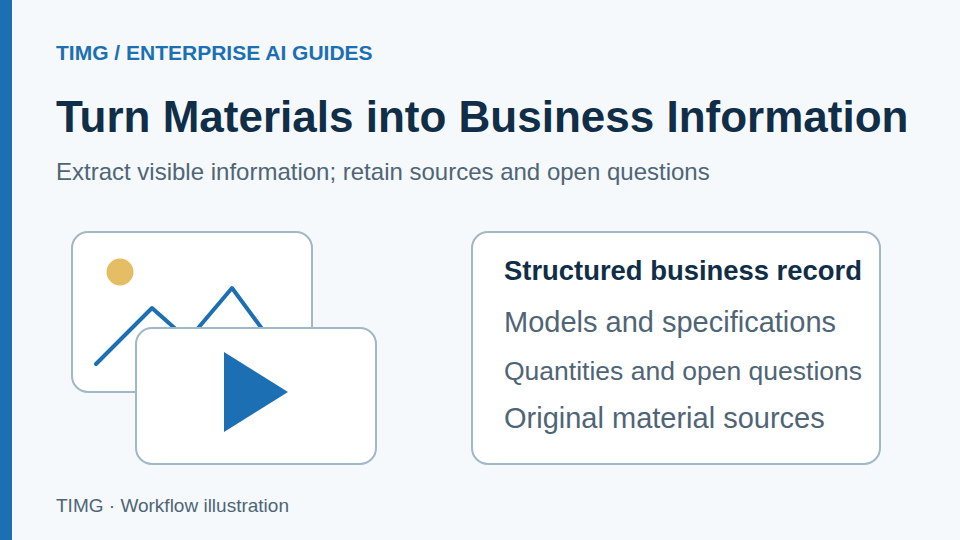
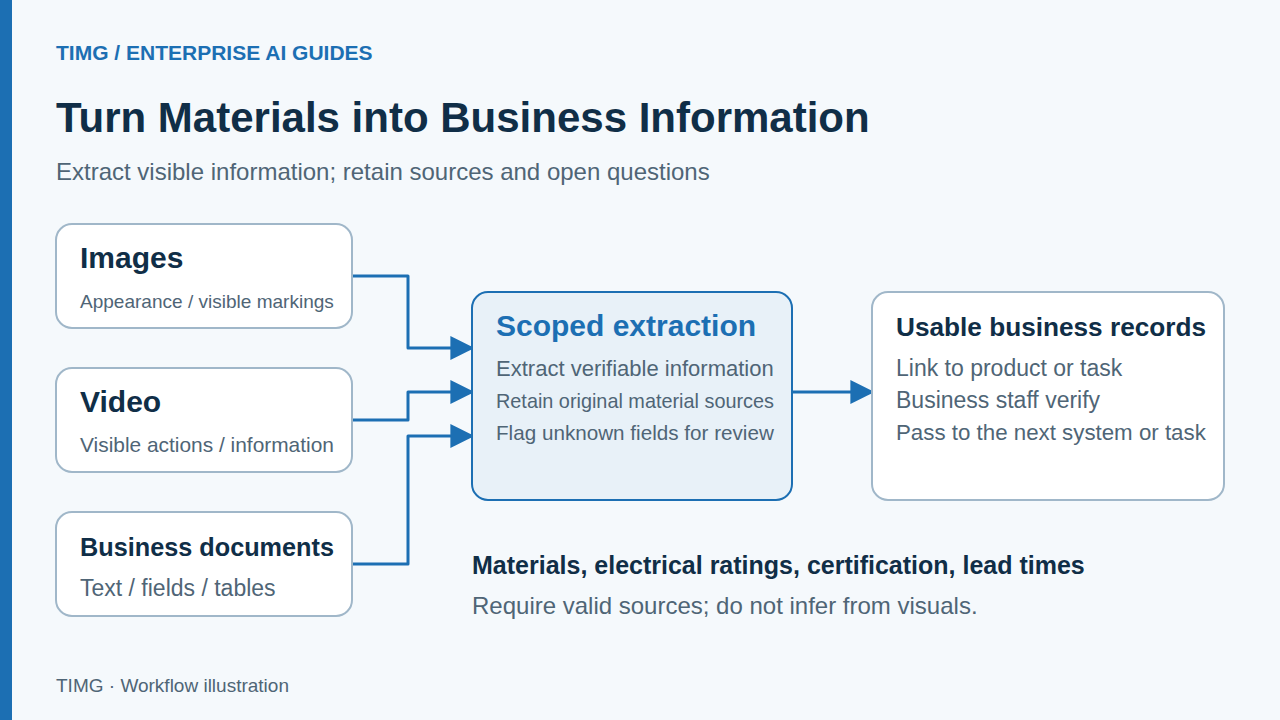
The same image may support content ideas, product categorization, or an explanation of a problem, but these tasks differ in reliability. Agree on output fields and permitted evidence first instead of asking the application to make every judgment at once.
- Define target fields and their purpose
- Keep links to original files
- Allow fields to remain blank when uncertain
Separate facts from inferences
An image may show appearance without establishing material, electrical parameters, or certification. Production activities in a video do not automatically prove overall capacity or delivery capability. When evidence is missing, verify against business documentation.
- Describe what is visibly present
- Use valid documents for specifications and conditions
- Have an owner verify inferences
Feed organized results into existing work
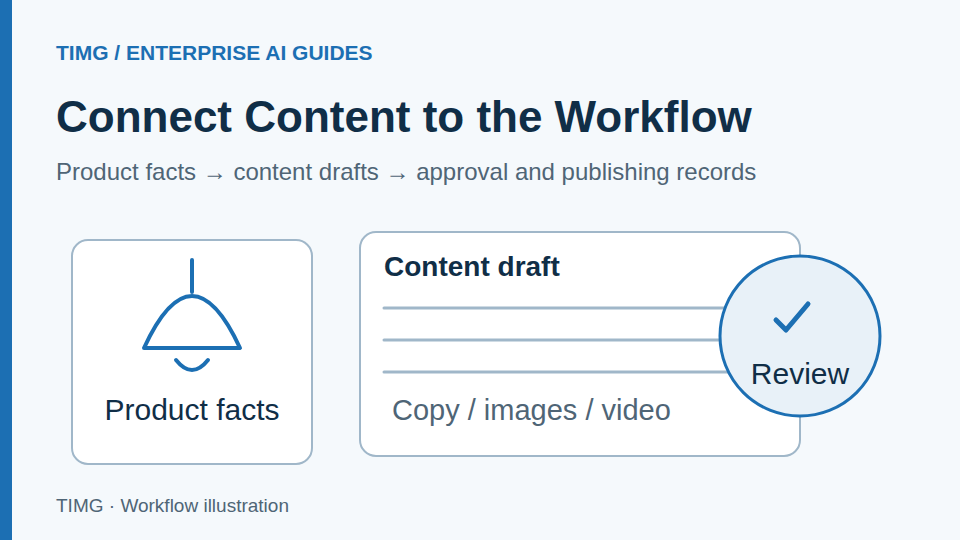
Extracted product tags, summaries, and document fields should return to the content library, customer records, or business task list. Avoid making employees manually copy information from a new window into another system.
- Define write-back destinations and permissions
- Record edits and review status
- Retain unreadable files as exceptions
Lighting export example: organizing product materials
A lighting demonstration video can help describe appearance, installation settings, and draft content. Specific models, dimensions, power ratings, and lead times still need links to a valid catalog and internal confirmation.
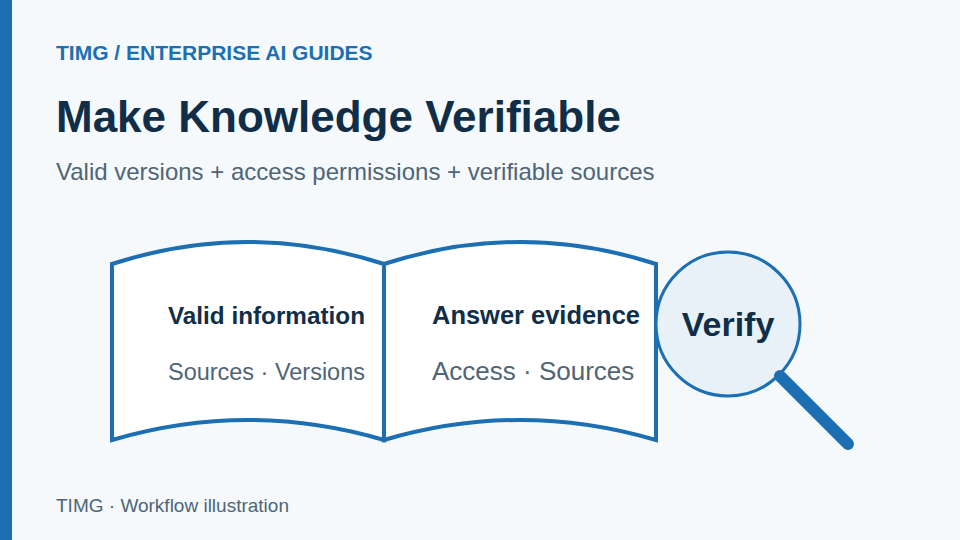
For example, an image shows appearance while the catalog records wattage and dimensions. Extracted records should link to these two sources separately, without filling parameters through visual guesswork. If the model in a file differs from an image label, flag a linking conflict for verification first.
- Link materials to product IDs
- List items needing verification in drafts
- Use results after owner confirmation
Evaluate performance with difficult samples
Test blurry images, missing pages, occlusion, different languages, and inconsistent information. Acceptance should measure more than successful extractions: confirm that errors are detected and handed over promptly.
- Check extracted fields against originals
- Test blank values and human review
- Update rules using error feedback
Retain verification evidence for every extracted field
Prepare the following materials and review each item with the business owner. The specific fields and criteria should reflect the workflow you select.
- Define fields to extract, permitted values, units, and intended use.
- Retain file IDs, page numbers, or video segment locations, linked to the corresponding product or document.
- Prepare blurry, incomplete, obscured, and version-conflicting samples, and agree on when to leave fields blank or involve a person.
- Assign a reviewer and write-back destination; only confirmed content enters subsequent business work.
Frequently asked questions
How can you determine whether recognized models, quantities, and parameters are ready for business records?
Keep the original image, page number, or video segment location for critical fields, and check units, formats, and links across pages. Mark unclear content, multiple values for the same field, or missing evidence for human confirmation against the source. Only verified fields should enter product information, documents, or subsequent tasks.
How do you prevent mismatches when one product has multiple images, videos, and documents?
Build links using model numbers, batches, and file sources, distinguishing general product information from specific order or batch records. Similar appearance is only a verification clue. If linking evidence is insufficient, present candidates for confirmation. Preserve the source of every item so later changes can be traced to the appropriate record.