Transcription, notes and actions
Organize approved recordings or text into decisions, open questions and tasks.
05ServicesBusiness applications
Bring transcription, meeting notes, document drafts and internal requests into everyday tools. Organize information, prepare tasks and connect approvals and reminders so people can see what needs action and track the outcome.
If any of these sound like you, this service is a good fit.
Meeting decisions and tasks need repeated manual organization
Routine document and internal material preparation is time-consuming
Requests repeatedly lack information and approval status is unclear
Assistants need to work in existing tools with training and support
Review meetings, document preparation, requests and tasks to find repeated work.
Define formats, fields, access and approval rules, including human confirmation.
Configure transcription, notes, drafts, checks and tasks in collaboration tools.
Check real meetings and requests for completeness, owners, dates and status, then train users.
Improve templates, rules, interfaces and guidance using feedback and exception records.
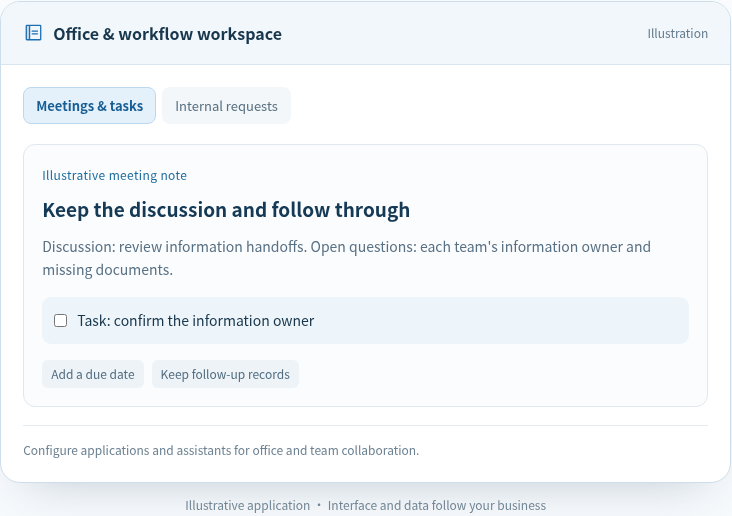
Discussion: review information handoffs. Open questions: each team's information owner and missing documents.
Configure applications and assistants for office and team collaboration.
Organize approved recordings or text into decisions, open questions and tasks.
Prepare documents from approved sources and templates for human review.
Extract purpose, fields and attachments and flag missing information.
Connect owners, due dates, reminders and recorded approval outcomes.
Make assistants accessible in working tools with confirmation and exception paths.
Provide guidance, role-based training and updates to the running application.
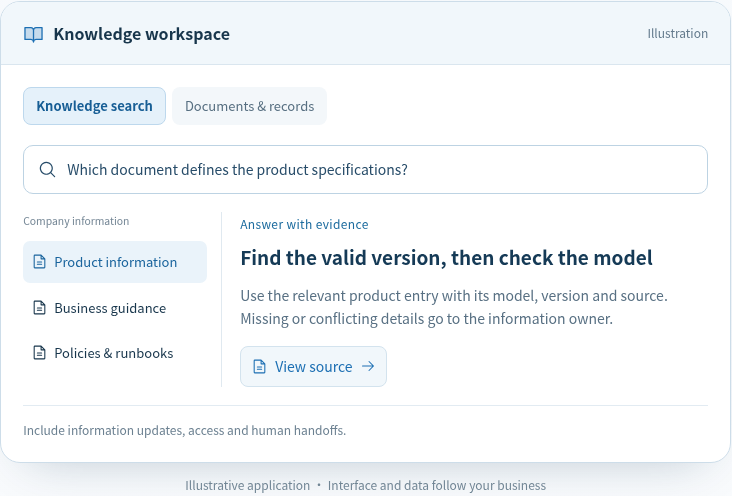
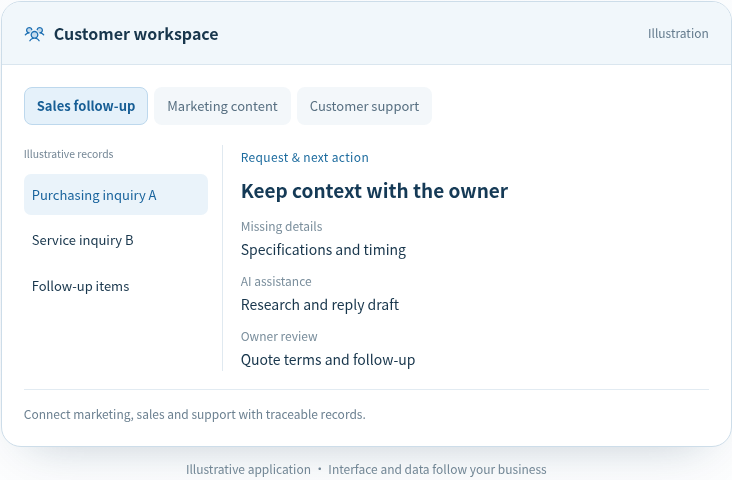
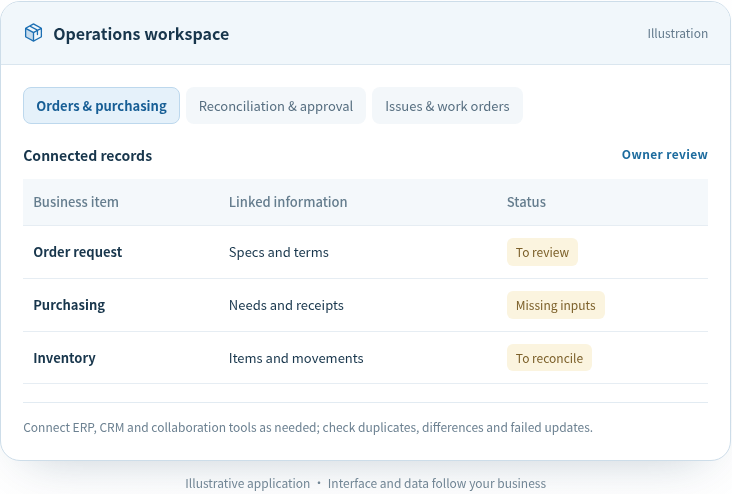
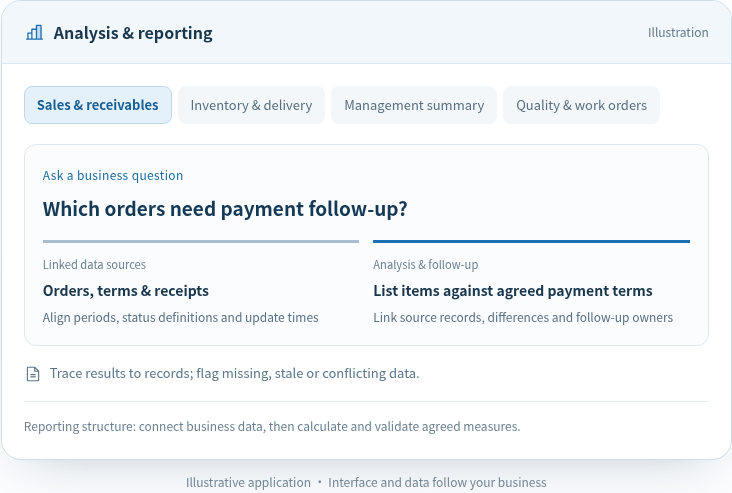
One office task can combine document processing, knowledge retrieval and workflow automation. Meeting transcription can become reviewed tasks with owners and due dates; complete internal requests can move to approval and a recorded outcome.
Have another question? Talk to our business and engineering team.
Decisions, actions, owners and due dates are extracted for participants to confirm before being added to existing task or collaboration tools. Missing owners, unclear dates and unresolved decisions are flagged separately. Reminders follow task status, with completion, postponement and cancellation recorded against the original task.
We define the requester, execution identity and authorization scope for each action, using existing approval and access rules. Reading, drafting, submitting and final approval have separate permissions. Important actions show their recipient and content for confirmation, and results are recorded. Revoked access stops the affected operations.
Required fields, routing conditions and responsibility are defined at each step. Missing information is requested together; conflicting or unclear rules go to a designated owner with completed work and context preserved. Testing includes rejection, revision and reassignment so exceptions remain actionable beyond the conversation.
A shared task identifier and status help consolidate notifications and send reminders by owner, due date and escalation conditions. Synchronization checks for updates and cancellations, while failures remain visible as outstanding work. Actual feedback guides reminder frequency, recipients and entry points to reduce duplicate entry and checking.
We prioritize familiar chat, documents, task and approval tools, with a small pilot around real roles. Task completion, omissions, manual corrections and user feedback guide changes. A process owner and support contact are assigned; changed rules or tools trigger configuration updates and retesting, with training based on actual work.
Start with a defined need or discovery. Use frontline interviews, workflow walkthroughs and system review to agree opportunities, scope and acceptance.
 Scan to chat on WeChatMention “AI implementation” when adding