
Clarify the purpose and information scope
Before drafting, confirm the recipient, business purpose, and information that may be used. The application can help organize content, but should not independently expand the contact list or invent a relationship between the parties.
- Make sources and the basis for contact verifiable
- Use valid information for product descriptions
- Have the business owner confirm the contact strategy
Create a draft that can be checked first
Clearly distinguish established facts, suggested wording, and content awaiting confirmation. Concise, specific drafts are easier to check and make the reasons for changes easier to trace.
- Flag content without supporting evidence
- Retain information sources
- Do not automatically commit to prices, lead times, or commercial terms
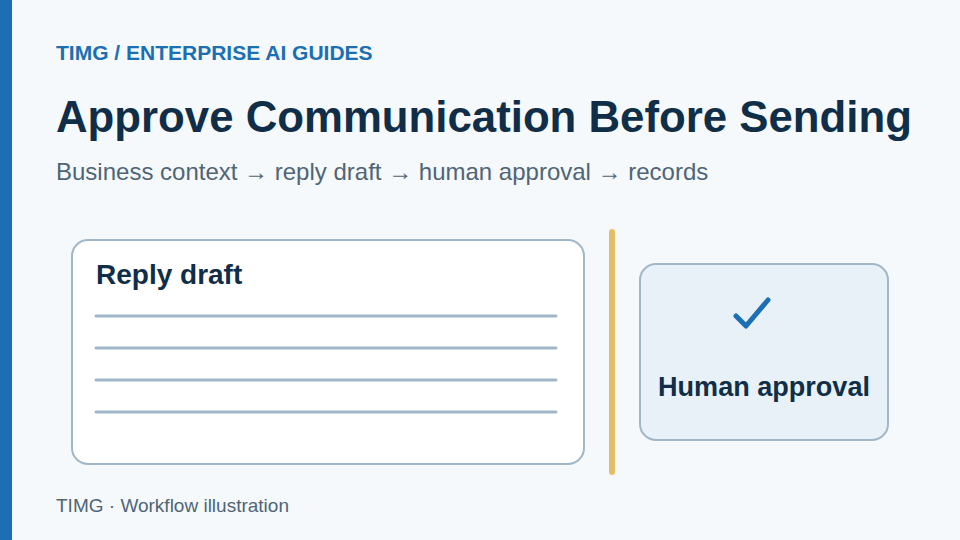
Separate approval from sending permissions
Permission to draft does not mean permission to send. Configure separately who can review, edit, execute, and pause communication, and record which version is ultimately used.
- Approve external actions as agreed
- Prevent duplicate sending and uncontrolled follow-up
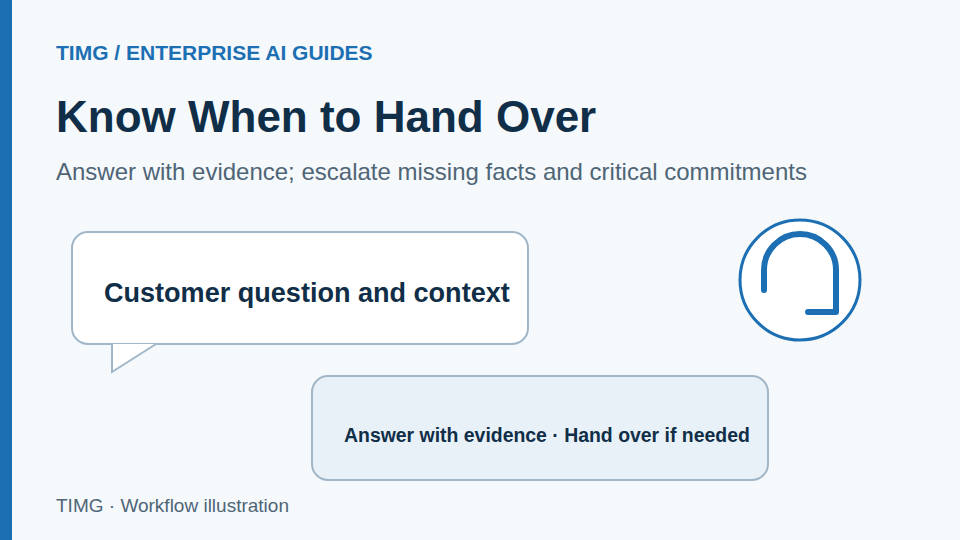
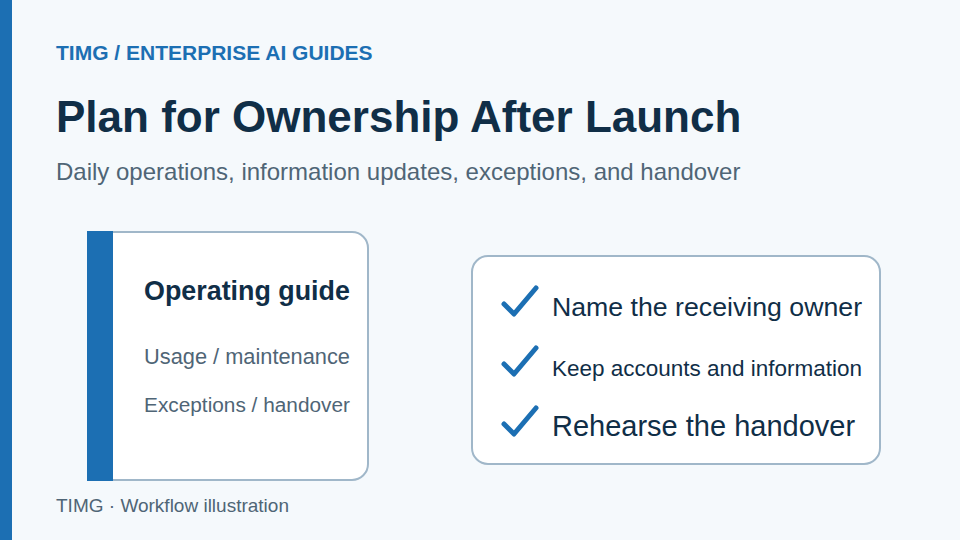
- Define how to stop contact and hand over to a person
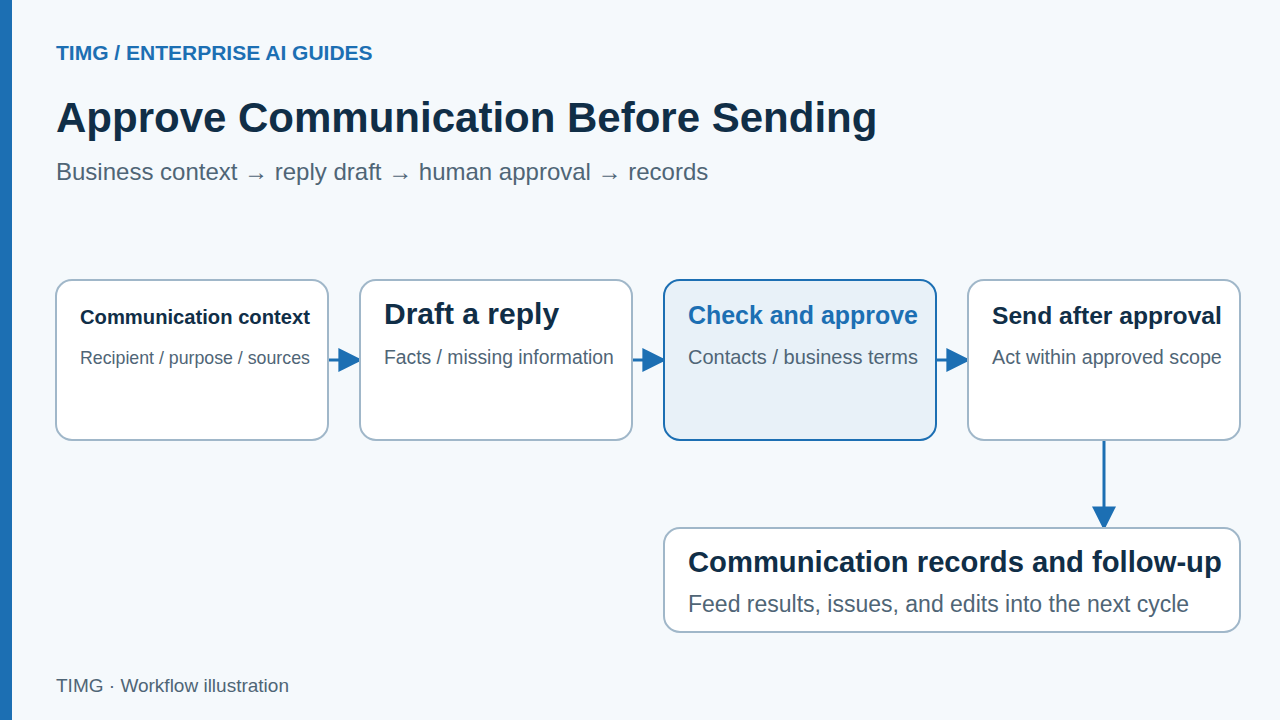
Lighting export example: replying to a purchasing inquiry
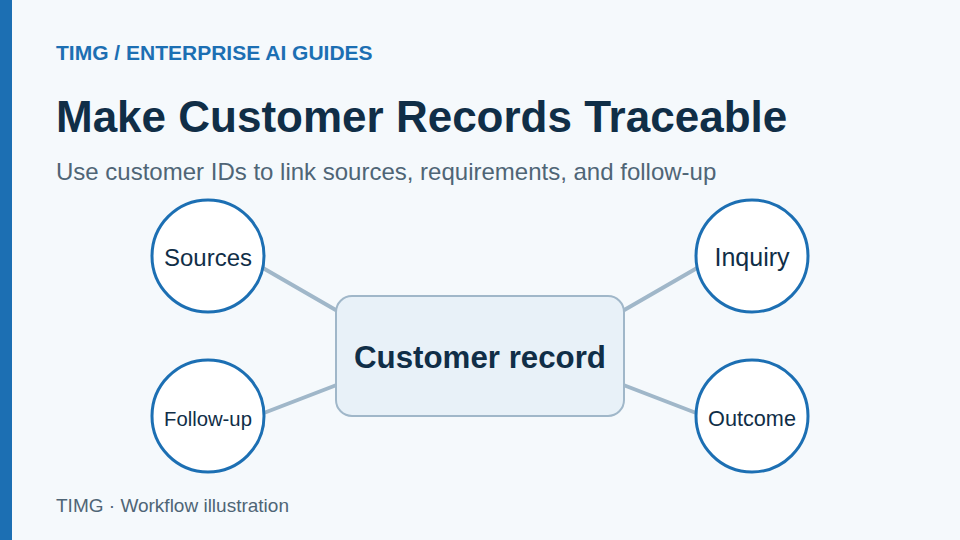
The application can use the product catalog to organize available styles and missing specifications. A salesperson then confirms samples, customization requirements, and lead times before replying. New replies from the customer should link back to the same customer and requirement records.
For example, if a customer switches to a different voltage version, the application first lists the changes from the original conditions, then updates the reply draft. Do not reuse the original quotation unchanged. The salesperson reconfirms the applicable model and lead time before approving the final version for sending.
- Match information to the inquiry
- Leave critical conditions to the salesperson
- Return communication records to the business system
Review factual errors and edits regularly
Evaluate a communication assistant by information accuracy, reasons for edits, and processing workload, not simply the volume sent. Add common issues to information resources and evaluations to gradually reduce unusable drafts.
- Sample whether the other party was understood correctly
- Record reasons for manual edits and pauses
- Adjust scope based on business feedback
Create a checklist for communication drafts
Prepare the following materials and review each item with the business owner. The specific fields and criteria should reflect the workflow you select.
- Check that the recipient, contact purpose, original requirements, and source information are consistent.
- Confirm models, prices, lead times, attachments, and all external commitments individually.
- Save the approved version, sender identity, and execution result, and define when to retry failures or stop follow-up.
- Link customer replies, specification changes, and subsequent tasks back to the original customer record.
Frequently asked questions
What should be checked before sending a draft that a business user has already approved?
Check that the actual recipients, version, attachments, cited information, and external terms match the approval, and confirm the contact strategy and channel rules. Record the sending time and result. After a failure or timeout, check status before retrying. Stop the relevant automated follow-up if the customer declines further contact, an owner takes over, or conditions change.
If a customer changes specifications or lead times in a reply, how do you prevent later work from using the old conditions?
Link the change to the original conversation and business records, extract the differences, and update the current requirements after owner confirmation. Recheck affected quotations, drafts, and tasks. Keep unconfirmed changes pending; subsequent communication should reference approved conditions and record each adjustment.